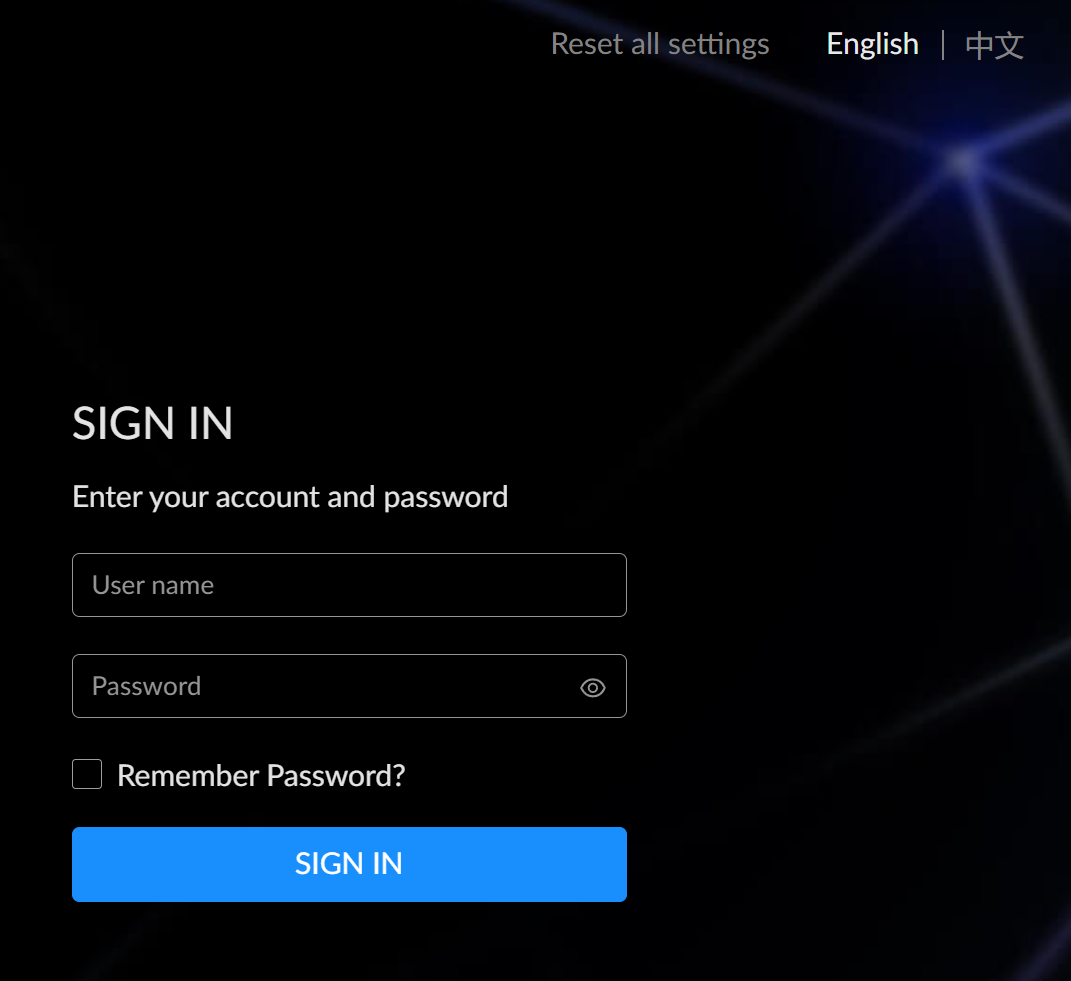
- Log in to the Web UI using an administrator account.
Reboot the device:
Rebooting the device will not lose any applied configurations. In the Web UI, click the down arrow next to the username
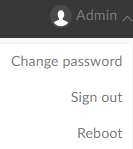 , then select Reboot.
Click Reboot in the pop-up prompt to reboot the device immediately.
Reset the device:
Note: Resetting the device will erase all configuration data and restore the device to default settings. It is recommended to export the configuration file to back up the current settings.
- Connect the device to the computer using a USB cable.
- Open a web browser and enter the USB NET IP address to access the Web UI Login page.
The default address is 192.168.66.1. It is recommended not to change this address unless there is an IP conflict in the network.
- Click Reset all settings in the upper right corner of the Login page.
Click Yes in the pop-up prompt. The reset process may take a few minutes.