- Log in to the Web UI using an administrator account.
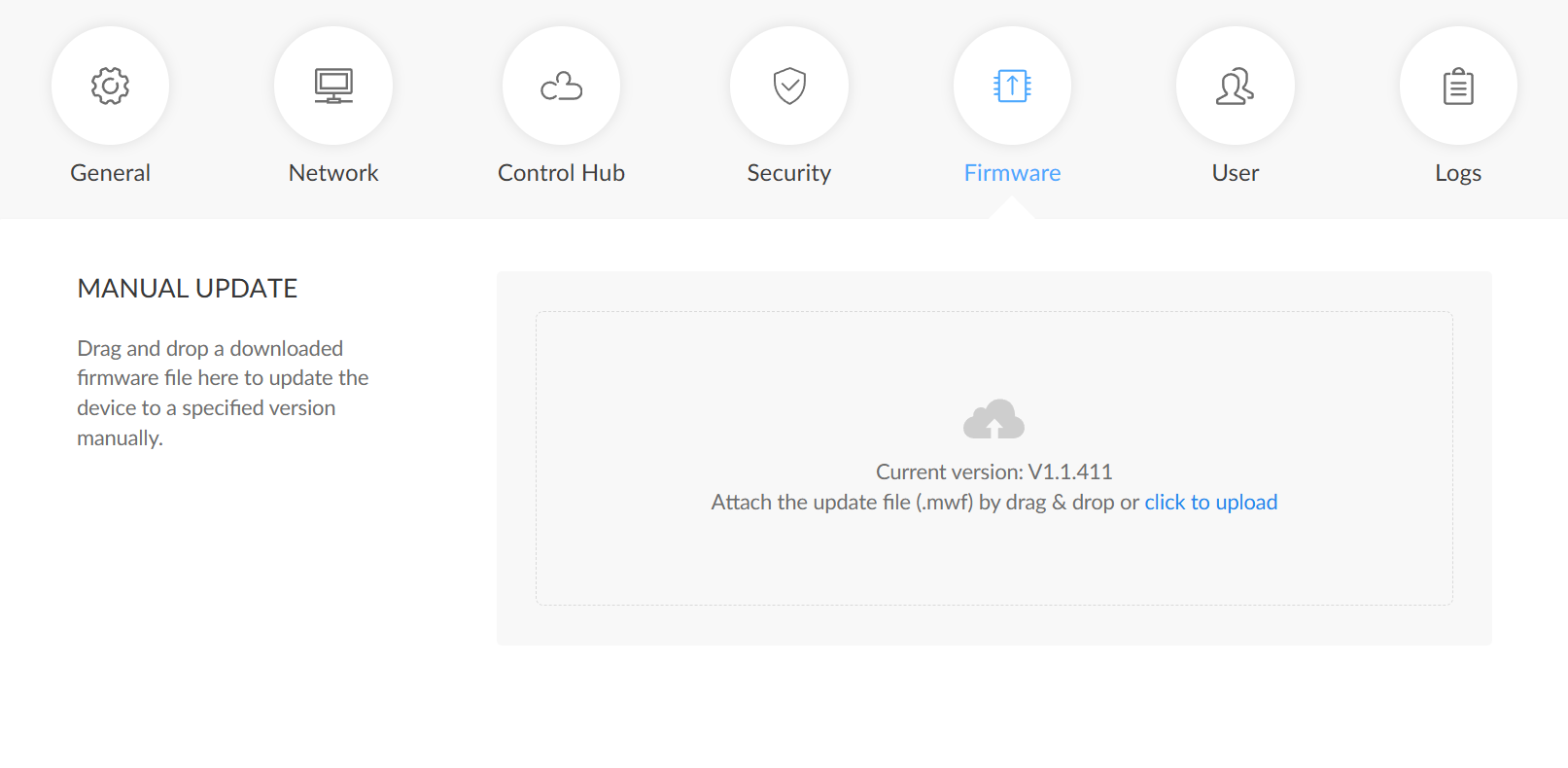
- Navigate to System > Firmware.
-
Click Upload and select the firmware file with the mwf extension.
Obtain the latest firmware from Magewell's official website: magewell.com/downloads/pro-convert
-
Wait for the system to verify the firmware file.
Do not power off or disconnect the device during verification or upgrade.
- Click Update to start the firmware upgrade process.
- After the upgrade is complete, click Reboot to restart the device.
- After reboot, verify the firmware version under Dashboard > Firmware version.