-
From the navigation bar, click the Audio tab.
![]()
-
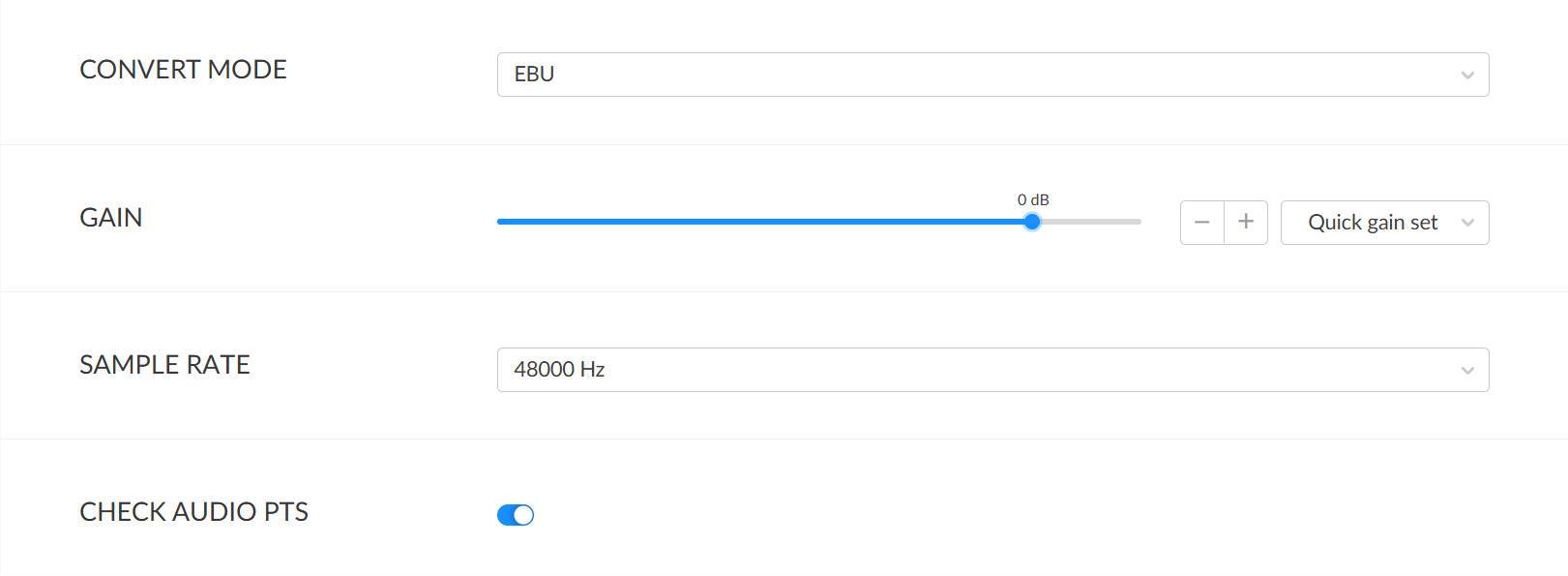
Convert Mode
Select the audio conversion standard: EBU (default) or SMPTE. -
Gain
Adjust gain using the slider or +/- buttons. Range: -100.00 dB to +20.00 dB. Quick gain presets are available. -
Sampling Rate
Default is Match Input. Supported rates include 32 kHz, 44.1 kHz, 48 kHz, 88.2 kHz, and 96 kHz. - Check Audio PTS
Presentation Time Stamp, enabled by default. Disabling this option may improve stability if audio timestamps in the stream are inaccurate. -
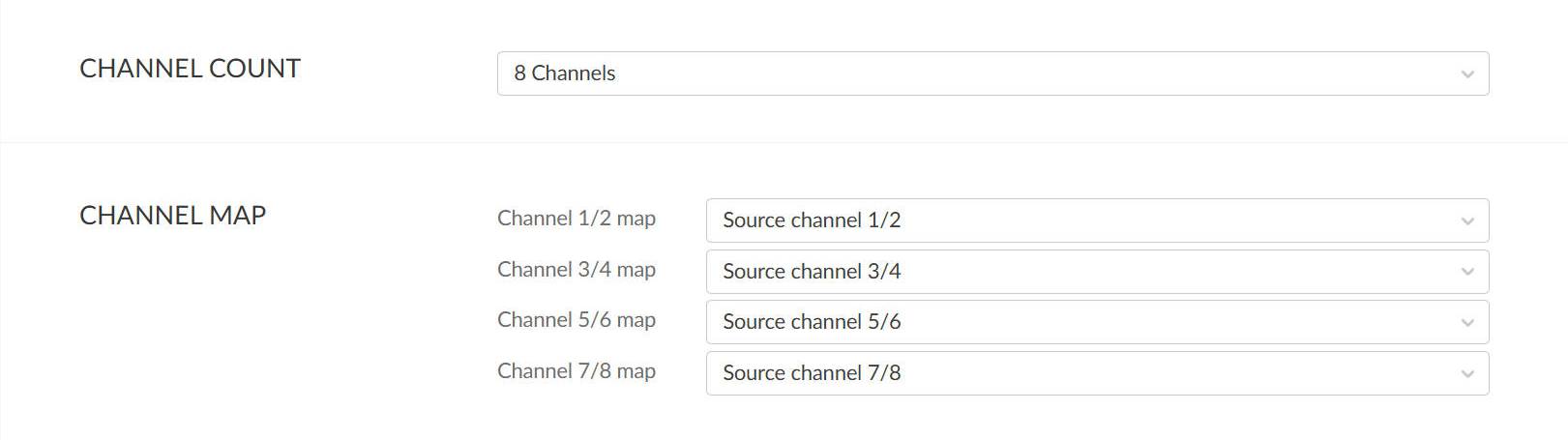
Channel Count
Select Match Input, 2-channel, 4-channel, or 8-channel output.![]()
-
Channel Map
When the specified number of channels is not Follow Input, you need to select the mapping relationship between output and source audio channels based on the usage scenario.
When Channel Count is set to 2 Channels, you can only select the source channel group to map for channel group 1/2.
When Channel Count is set to 4 Channels, you can select the source channel groups to map for channel groups 1/2 and 3/4 respectively.
When Channel Count is set to 8 Channels, you can select the source channel groups to map for channel groups 1/2, 3/4, 5/6, and 7/8 respectively.
Setting Audio Parameters
Click the Audio tab to configure parameters.