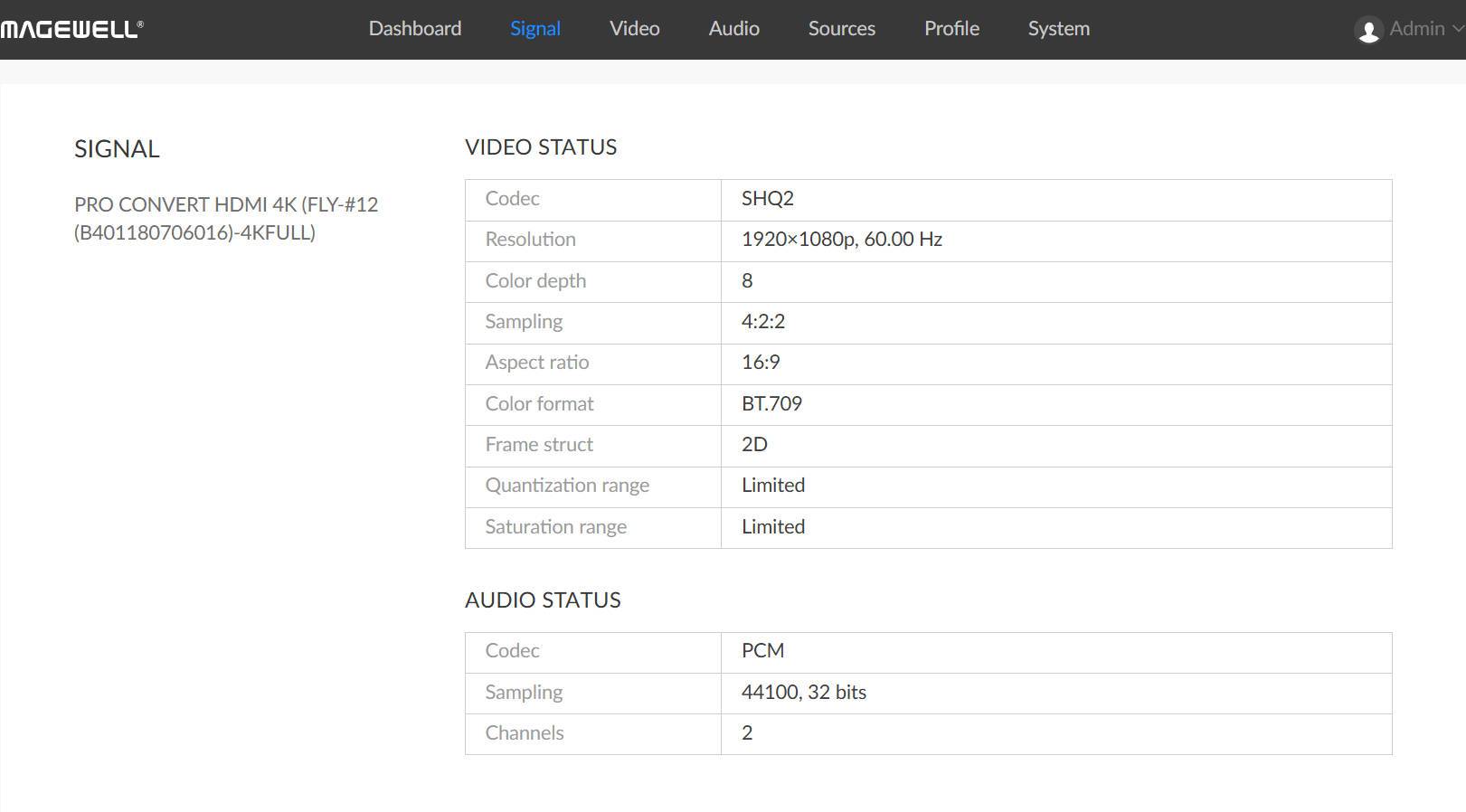
- From the navigation bar, click the Signal tab.
-
View video signal status.
- Codec shows the video encoding/compression format.
- Resolution shows the resolution and frame rate of the received video stream.
- Color depth shows the color bit depth of the received video stream.
- Sampling shows the chroma sampling format of the video stream.
- Aspect ratio shows the aspect ratio of the received video stream.
- Color format shows the decoded color space format.
- Frame Struc shows the frame type of the received video stream.
- Quantization range: Indicates whether the current quantization range is Full or Limited.
- Saturation range: Indicates whether the saturation range is Full or Limited.
-
View audio signal status.
- Codec shows the audio encoding/compression format.
- Sampling shows the audio sampling rate and bit depth.
- Channels shows the number of audio channels detected in the source signal.