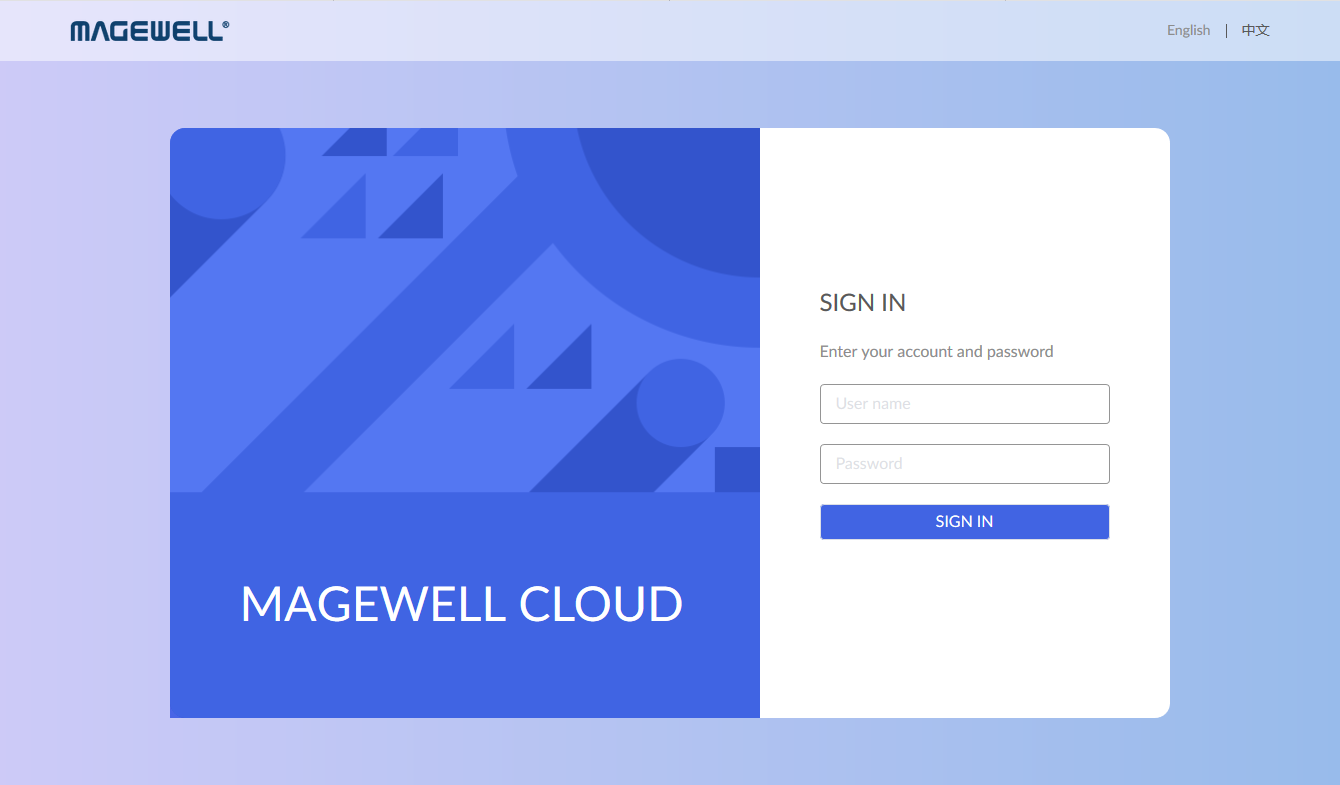
- Open the web browser on your PC/laptop/mobile client.
- Input the IP address and port number of server where Cloud docker is installed.
By default, the address uses the HTTP protocol and has the http://address:port
format.
Note: If you need to change http port or use HTTPS instead of HTTP, go to Cloud Settings > Security page to specify an HTTP port or enable HTTPS and upload CA certificate and private key after login with administrator account. - In the login fields, specify an account name and password.
The default admin username and password are both Admin, case-sensitive. After the initial login, we highly recommended that you secure access by changing the default password.